
Metabase: Open Source Business Intelligence Platform

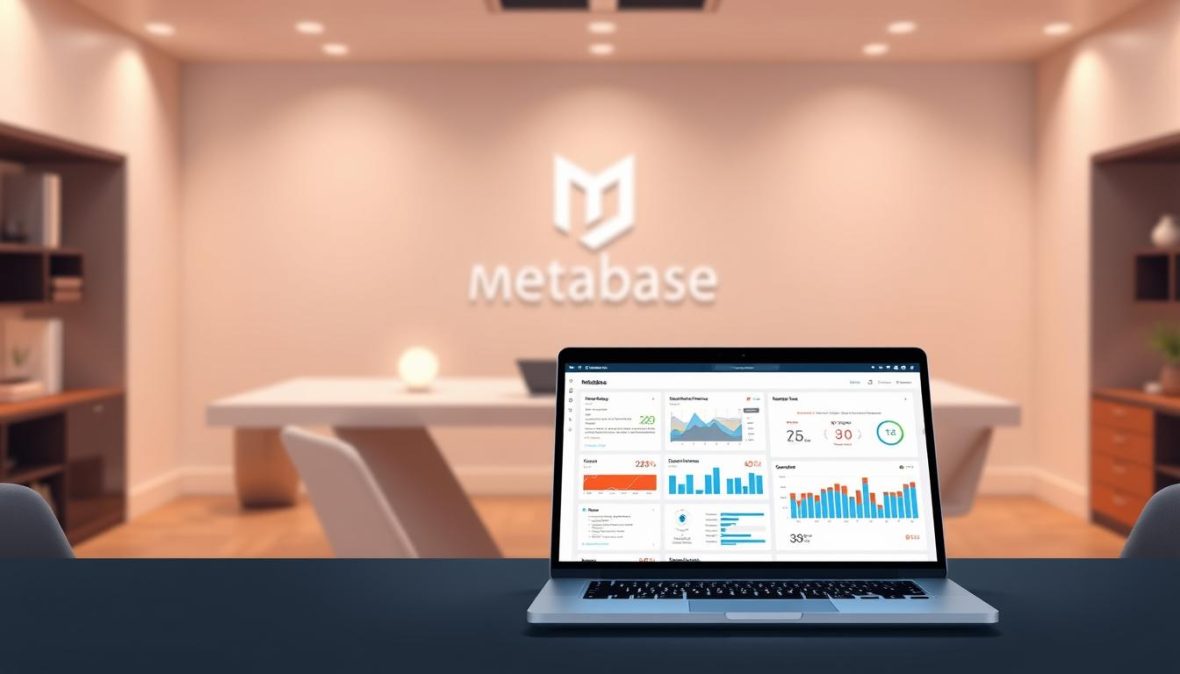
Most business leaders struggle to get useful insights from their data. Metabase tackles that problem directly: it is an open-source business intelligence platform built so that everyone in a company — from marketers to executives — can ask questions of their data and act on the answers, no SQL knowledge or technical background required.
What Is Metabase?
Metabase is an open-source data visualization and business intelligence tool that lets companies visualize, analyze, and explore data on their own terms. It does not ingest or store your information; instead, Metabase works as a visualization and querying layer that sits on top of your database, so your data stays in your database. The project is developed in the open, with its source code publicly available on GitHub, and the company says the platform is trusted by over 100,000 companies, from startups adopting their first business intelligence tool through to large enterprises.
Key Features at a Glance
- Point-and-click exploration: answer questions and build charts without writing code.
- Interactive dashboards: real-time data refreshing and personalized views for different teams.
- SQL Mode: an advanced query editor for technical analysts who want full control.
- User permissions: granular access control for sensitive information.
- A semantic layer: Metabase says it grounds answers in your metrics and business logic, so you can inspect the query behind each result.
Why Business Intelligence Matters
Business intelligence turns raw information into actionable insight. Organizations that make data querying part of everyday work can spot hidden market trends, improve operational efficiency, anticipate potential challenges, and make informed strategic decisions.
Metabase supports this in a collaborative way. Because the interface is approachable, professionals across departments can explore complex data sets themselves rather than waiting on a specialist team. Dashboards can combine data from multiple sources, giving leaders a complete view of business performance in a single place and simplifying data interpretation.
Getting Started with Metabase
Setup follows a simple path:
- Select your preferred database system (Postgres, MySQL, or MongoDB, among others).
- Download the appropriate Metabase installation package.
- Prepare your server environment.
- Configure the initial database connections.
Most organizations can install Metabase in about 5 minutes. Before diving in, identify the metrics most critical to your business and build targeted dashboards around them. A good rule: start simple, and create dashboards that answer your most pressing business questions first.
Analyzing and Visualizing Data
Metabase turns raw tables into clear visual stories. Users can choose from a range of visualization types to match the analysis at hand:
- Bar charts for comparing categorical data
- Line graphs for tracking trends over time
- Pie charts for showing proportional distributions
- Scatter plots for identifying correlations
- Heat maps for complex data relationships
Customization is straightforward: you can adjust colors, modify scales, and add filters without advanced technical skills, so each department can shape dashboards around its own goals.
The SQL Editor and Snippets
For data professionals, the SQL editor supports complex queries and standardized analytics approaches. Reusable snippets, organized into snippet folders, let teams codify complex calculations, standardize metric definitions, and share best practices across the organization, with snippet management available in the Pro and Enterprise plans. Administrators can set access levels so sensitive analysis stays structured and secure.
Built-In Statistical Functions
Metabase also simplifies statistical work. Built-in functions calculate measures such as mean and median values, standard deviation, and percentile distributions, and trend analysis is available as well. Interactive dashboards present these results visually, so team members without a statistics background can still interpret complex data patterns.
Forecasting and Trend Analysis
Beyond describing what has already happened, Metabase offers basic predictive tools that help businesses forecast trends based on historical data. Teams can use historical patterns to anticipate scenarios such as inventory needs or customer churn without advanced data science skills.
Integrations and Data Sources
Metabase connects to a wide range of databases, including Postgres, MySQL, MongoDB, SQLite, and Druid, and supports additional data sources such as Google Analytics. Developers can extend its functionality through APIs for custom integrations. The Metabot integration allows data viewing directly in Slack, and the default access port is TCP:3000, which can be customized to fit your environment.
Security and Permissions
Metabase offers role-based access control for dashboards and datasets. Administrators can set detailed permissions so that only authorized personnel can access sensitive business information, while the rest of the team continues to explore data freely.
Is Metabase Free?
Metabase is genuinely open source, with a free Community Edition that includes interactive dashboards and SQL querying capabilities. According to Metabase, the platform is self-hostable, with AI, a semantic layer, and embedded analytics in the free edition. Paid plans add advanced security features and support for organizations with more demanding requirements.
Frequently Asked Questions
Do I need to know SQL to use Metabase?
No. Point-and-click tools cover most visualization and querying needs, while SQL Mode remains available for data professionals. It is also a practical platform for gradually building SQL skills.
How difficult is installation?
Installation is quick for most organizations, and the setup flow walks you through connecting data sources and creating your first dashboards, even if you are not especially technical.
Can Metabase integrate with other business tools?
Yes. Metabase connects to many data sources, offers APIs for custom integrations, and includes a Slack integration for viewing data inside your chat platform.
For organizations that want to democratize data analysis without a major software investment, Metabase offers an approachable path: connect a database, build the dashboards that answer your most important questions, and let every team explore the results for themselves.
